Playbook
How to set up Booked and start filling your calendar
A step-by-step guide for solo real-estate agents. Read it once, put your number where buyers and sellers will see it, and let Booked do the rest.
For Sale
Your Name
Your Brokerage
Text INFO to
(___) ___-____
+1 (416) 555-0142
Your assistant
How it works
One QR on every surface turns into a booked showing
Step 1
Lead sees your QR
Yard signs · Instagram reels · flyers · cards
Step 2
Scans QR code
Phone camera opens SMS pre-addressed to you
Step 3
Text chat
AI replies in your voice, in seconds
Step 4
Booked calendar
Showing lands on your calendar + SMS alert
Step 01
Sign up and let Booked pick a local number
Two minutes. Pick an area code; Booked provisions a real Twilio number, sets up call forwarding to your cell, and seeds the AI with a starter set of follow-up sequences.
- Enter your name, brokerage, and city
- Pick a 3-digit area code (Booked covers carrier fees)
- Enter your personal cell. We forward calls and text you booking alerts
- Accept TCPA / CASL compliance terms
Pick your area code
Your personal cell *
We forward calls here and text you booking alerts.
Step 02
Add your first listing
The AI references your active inventory when a lead texts in. Even one listing turns generic chat into 'I have one open right now, want to see it?'
- Fastest: text your own Booked number an MLS number (e.g. C9472831). The AI pulls address, price, beds, baths, and photos from TREB and adds the listing
- In the dashboard: paste an MLS number or a Realtor.ca / Zillow URL
- Or enter the address manually and upload photos
- Mark as Active, Pending, or Sold
- Listings auto-sync into the AI knowledge base
6376 Main St, Whitchurch-Stouffville
4 bed · 3 bath · 2,400 sqft · Detached
Step 03
Put your QR everywhere your name appears
This is where leads come from. Every Booked account has a downloadable QR code that opens an SMS pre-addressed to your number. Scan → text → AI replies in seconds. The same QR goes on yard signs, Instagram reels, flyers, business cards, anywhere a potential buyer might see you.
- Open Brand Kit → download your QR as a 1024×1024 PNG
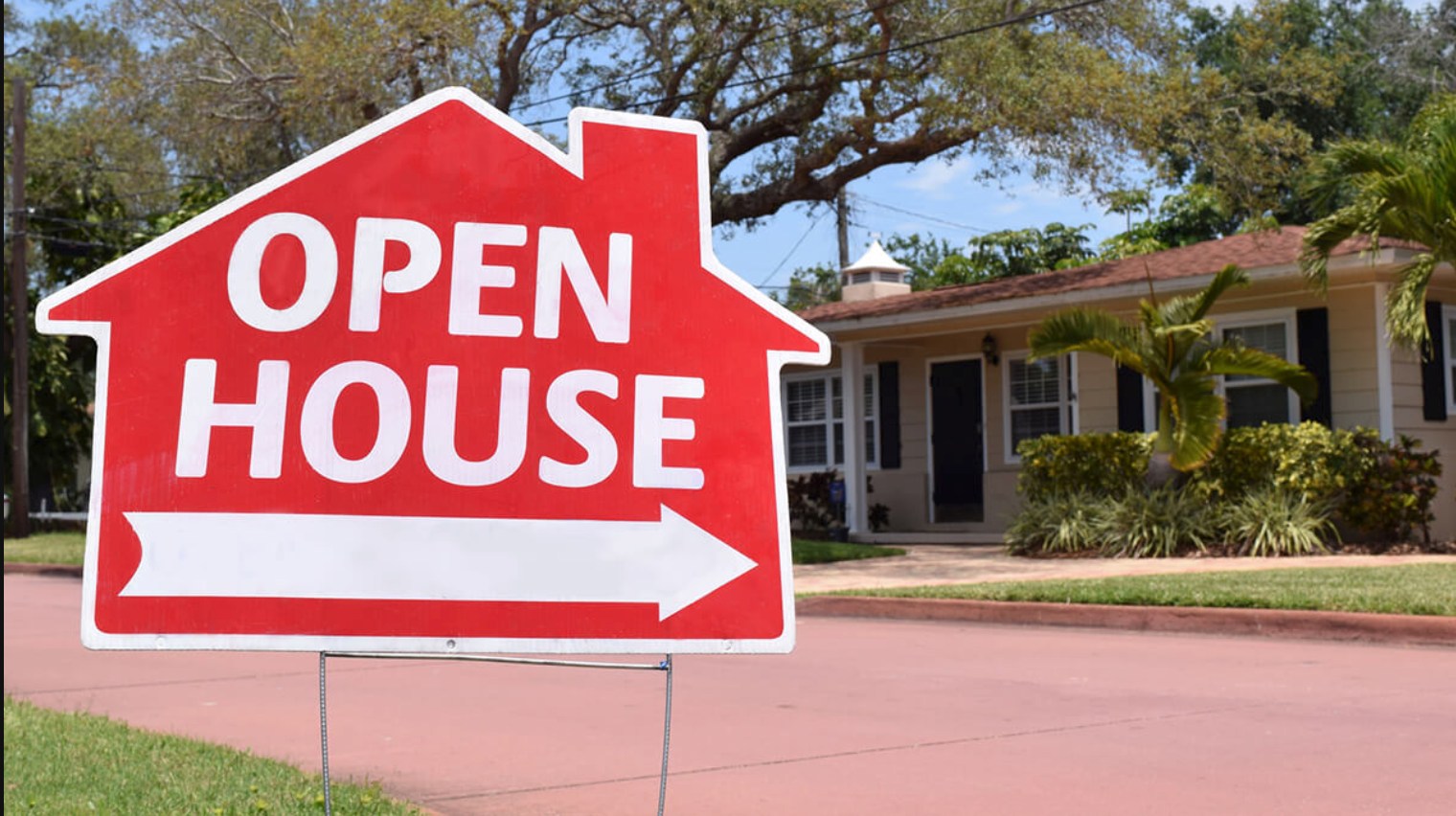
- Yard signs: 4×4″ vinyl sticker (~$2 each at Vistaprint), arrow panel works best
- Instagram reels & stories: drop the QR + "Scan to text me" card from Brand Kit onto every post
- Business cards: the back of the card, with just the QR and no number
- Open-house window decals, listing flyers, email signature
- Pair it with one line: "Scan to text me. I reply in seconds."
Scan to text
416-360-9167
Sarah Macdonald · Caiden Realty
Scan to text
416-360-9167
Sarah Macdonald · Caiden Realty
Print the QR + number on a 4×4" vinyl sticker and tape it to the arrow panel of any standard open-house sign. Total cost: $2 per sign at Vistaprint, lifetime use.
Sarah Macdonald
Sponsored ·
🏡 Just listed in Riverdale: 3-bed, 2-bath, $1.45M. Open house Saturday 1–4 PM. Scan the QR or text 416-360-9167with your name and I'll send the full listing.
Listing photo
Booked.caiden.tech
Text me about 123 Maple Ave
Other high-yield placements:
- Bottom-right corner of yard signs
- Listing flyer back, next to the floor plan
- Open-house window decal (4"×4", vinyl)
- Business card back with just the QR and no number
- Instagram story sticker, link in bio
Preview
What you'll download from Brand Kit
Sample: your number + keyword will appear here once you sign up.
Instagram Post
1:1Instagram Reel
9:16Facebook Reel
9:16TikTok
9:16Step 04
Watch the Inbox, but don't hover
The AI handles ~70% of conversations end-to-end. You see every thread. The system pages you only when a lead goes hot (specific budget, ready to view, expressed urgency).
- Inbox shows every conversation with last-message preview
- Hot Lead badge means the AI flagged urgency
- Tap any thread to jump in and take over
- Toggle "AI off" mid-thread when you want to handle it personally
Sarah K.
Hot1Yes. Wednesday 11am works! Looking forward to it.
Marc L.
AI: I have a 3-bed in Yorkville at $1.4M. Want photos?
Priya R.
AI: Pre-approval is the move. I can introduce you to a lender.
+1 (416) 555-9921
AI: Are you looking to buy or sell?
Step 05
Showings land directly on your calendar
When the AI confirms a slot with a lead, it writes the appointment to your calendar tab and texts you the moment it's booked. Add the gcal link to your phone calendar and you're done.
- Set your availability (Settings → Availability) once
- AI checks the window before proposing slots, so there are no double-bookings
- Booking sends SMS + push + email + dashboard bell
- Tap the "Add to Calendar" link from the SMS to drop it in Google Calendar
Mon
Tue
Wed
11 AM
Showing
Thu
Fri
Sat
Sun
Showing, 6376 Main St, Whitchurch-Stouffville
Wed May 27 · 11:00 AM · Lead: Sarah K. (416-555-9921)
Add to Google Calendar →Steps 1–5 get you live and booking showings. Everything below polishes how the AI sounds and adds optional channels. Skip what doesn’t fit; come back when a lead actually needs it.
Step 06
Teach the AI your voice
The Knowledge Base is your personality file. FAQs are answered verbatim. Scripts handle objections in your tone. Notes give the AI broader context.
- Add 3-5 FAQs (commission, virtual showings, pre-approval, etc.)
- Write 1-2 scripts for common objections
- Drop in a note about your specialty (first-time buyers, luxury, etc.)
- The AI cites these on every reply that touches the topic
Q: Do you cover virtual showings?
A: Yes. I do virtual showings on FaceTime or Zoom for any active listing. Just let me know the property and a time that works.
When lead says: asks about commission
Reply: My commission is straightforward and competitive. Happy to walk you through it on a quick call. Want to book 10 minutes?
Step 07
Run keyword RSVP campaigns for events
Hosting an open house, broker tour, or buyer seminar? Print 'Text RSVP to 416-…' on the invite, sign, or social post. Each text triggers a confirmation, captures the lead, and runs a multi-touch follow-up so the RSVP becomes a real showing, not a noise event.
- Pick a short keyword per event (RSVP, TOUR, SEMINAR, OPEN, NEW)
- Booked seeds a default RSVP campaign on signup. Edit the messages to match your event
- Texts back immediately with confirmation + address + parking notes
- Follows up at 24h (reminder) and 72h (post-event nurture) so the lead doesn’t go cold
- Every RSVP becomes a lead in your inbox with the event source tagged
3 messages · triggers on lead texting "INFO"
Step 08
Optional: share your public web chat
Every Booked agent has a /c/[your-id] page with the same AI and no SMS required. Drop the link in your Instagram bio or email signature for leads who prefer chat to text.